
Preview Mode in ADF PRO: Faster On-Scene Decisions for Mobile Device Investigations
On scene, time is the scarcest resource. See how Preview Mode in ADF PRO lets examiners review files on a mobile device while data is still being collected, and when to move on to a full logical acquisition.
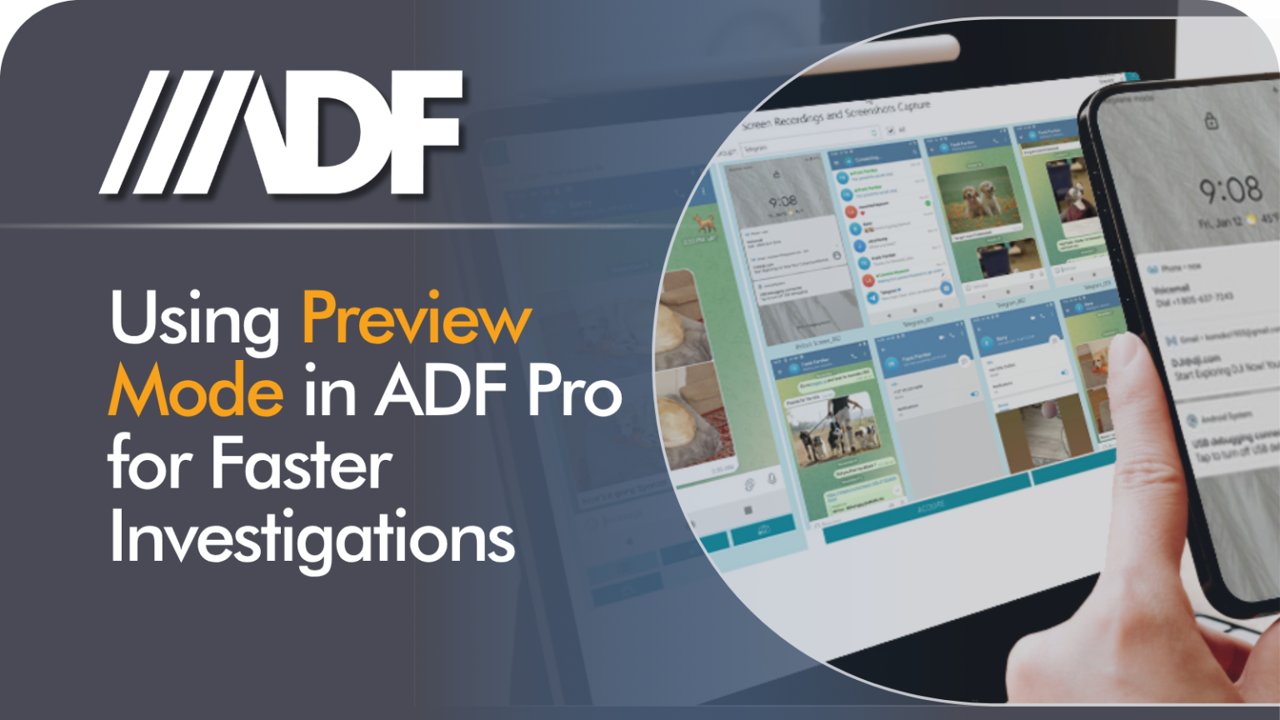
In digital forensics, time is often the most critical factor. Investigators frequently have to make rapid decisions on-site without waiting hours for a full data acquisition. That is where Preview Mode in ADF PRO helps: it lets you look at a mobile device's contents while collection is still under way.
What is Preview Mode?
Preview Mode is a feature in ADF PRO designed to speed up the first stage of a mobile device investigation. It lets you review files and artifacts on a device in real time, without a full logical acquisition up front. Once a connection is established, the viewer fills in as data is collected, giving you immediate access to files, properties and metadata. According to ADF, Preview Mode uses standard protocols and methodology, supporting data integrity, authenticity and reliability.
It also replaces the slow process of manually scrolling through a phone, so examiners can begin analysis almost immediately.
iOS tip: keep original files during transfer
When working with iPhones and iPads, one setting can save a lot of frustration. By default, iOS may try to convert multimedia files during transfer. That conversion can cause failed transfers and, in some cases, break the connection between the device and your workstation.
How to start a Preview session in ADF PRO
Setting up a Preview session takes four steps:
- Initialize: Go to Investigate Device, then Preview.
- Connect: Click "Add Phone." If the device isn't detected right away, the built-in connection wizard walks you through the steps.
- Configure: Choose a destination folder, then give the session a unique Preview Name. If your workflow needs specific documentation, use the "Forms" button in the right-hand toolbar.
- Proceed: Make sure a valid license is present (a computer license, an ADF Authentication Key or a licensed Collection Key), then click PROCEED.
Working in the real-time viewer
Preview Mode is dynamic. After a few seconds of initial caching, the viewer opens and you can browse Pictures, Videos or Files straight away, without waiting for collection to finish. If you switch views, for example from Pictures to Videos, ADF PRO reprioritizes collection so the data you are looking at is fetched first.
If you see what you need to make a decision, you can stop the preview. Everything collected up to that point is saved and ready for further analysis and reporting.
Preview Mode or full logical acquisition?
| Choose | When |
|---|---|
| Preview Mode | You need immediate answers, want to check for specific evidence on scene, or need to decide whether a device warrants a full forensic examination. |
| Full logical acquisition | Your investigation needs a more comprehensive data set, deep parsing of third-party apps, or a complete profile analysis for courtroom presentation. |
Working Preview Mode into your workflow can reduce the time spent on devices that turn out not to be relevant, so you can spend your expertise where it matters most.
Conclusion
Preview Mode helps digital forensics professionals make faster, better-informed decisions by giving immediate access to relevant files and artifacts, without waiting for a full acquisition. Try it on your next investigation to identify potential evidence, cut down on unnecessary device examinations, and speed the path from collection to action. To see it in action, visit ADF Solutions to schedule a demonstration.
Sponsored content from ADF Solutions. Originally published by ADF Solutions on July 17, 2026, by Richard T. Frawley: Maximizing Efficiency with Preview Mode: A Guide for Digital Forensics Professionals. Capabilities described are as reported by ADF; as with any tool, validate in your own lab.
Get the investigator briefing
Upcoming webinars (many with CPE), trends we're seeing in digital forensics and OSINT, and new articles like this one. About once a week.
Free. Unsubscribe anytime. We never share your email with sponsors.
Discussion
Keep reading
 Press ReleaseBerla Releases iVe 5.1 With 25 New Acquisition Profiles and 40 New Instructional Resources
 Case StudyHow a UK Police Unit Cut Device Submissions by 76% and Cleared CSAM Backlogs with Digital Triage
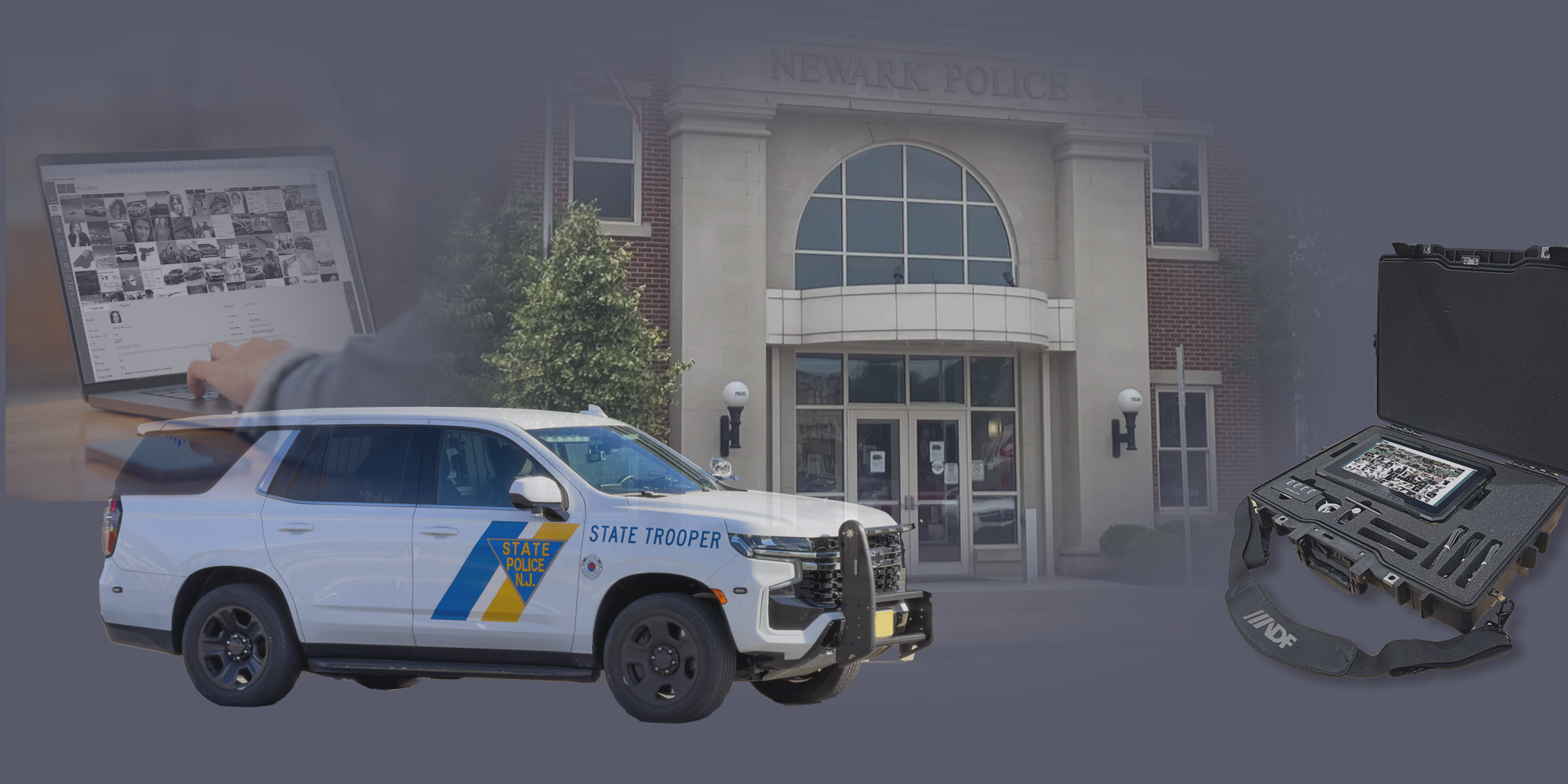 Case StudyNew Jersey State Police Cuts On-Scene Time and Device Seizures with Digital Forensic Triage